SCROLL TO EXPLORE


Contribution
Crypto products carry a high burden of clarity. Users are often making fast, high-stakes decisions involving money, assets, networks, fees, and risk. The challenge was to make Ready X feel powerful enough for crypto-native users while still clear, trustworthy, and easy to navigate.
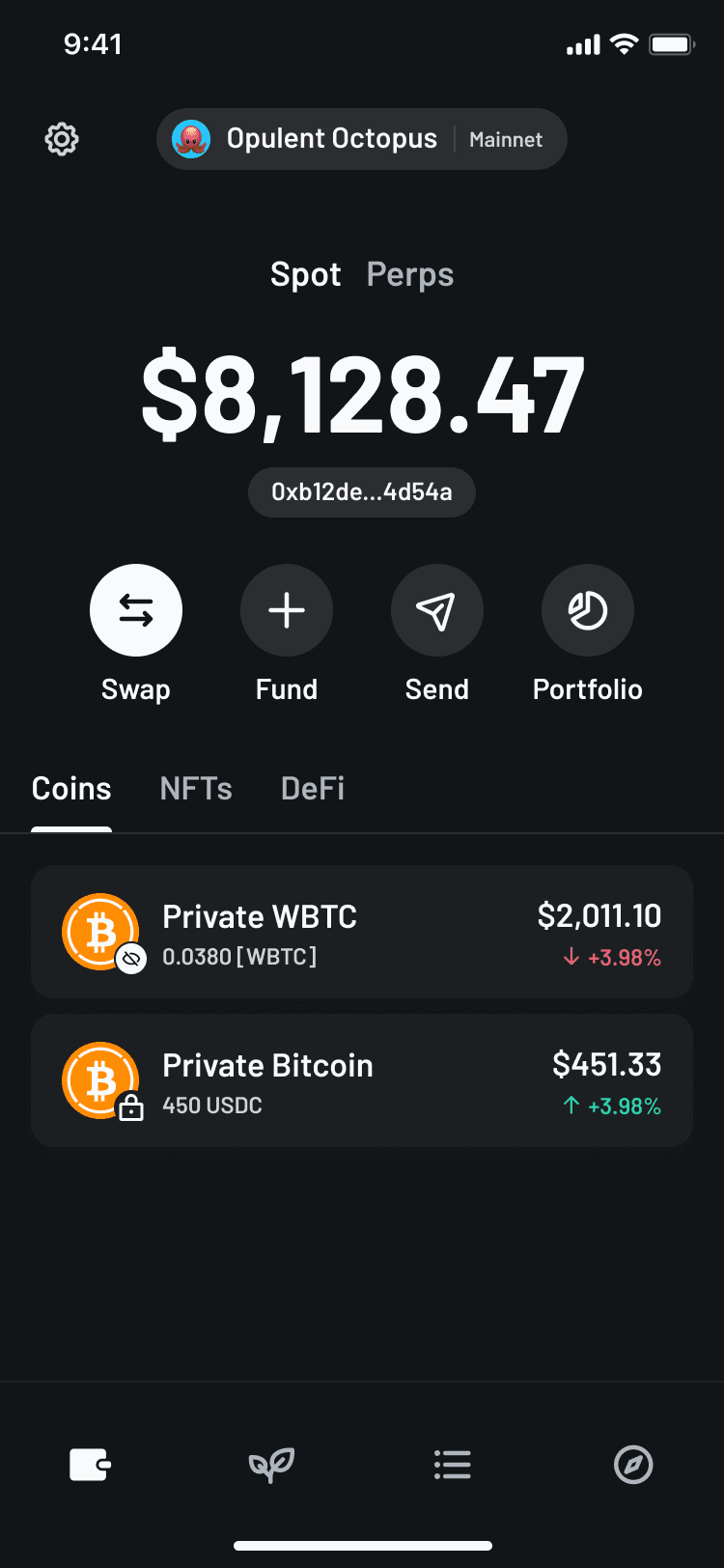
Help users understand what they own and what they can do next.
Make trading, staking, and wallet actions feel more controlled.
Create consistent patterns across complex crypto flows.
Tools
- Figma
- Rive
- Lottie
- Claude
- Adobe
- After Effects
- Webflow
Float like a butterfly, sting like a bee.
Projects
Given the environment of a fast-paced startup, my time at Ready involved a variety of large-scale projects spanning smartphone applications, desktop, plugins and social media.
Clickable prototype of major screens
Micro-interactions
Raising the product feel, quickly.
1 day
For developers to implement
3000
Comments on 1st day Twitter
Some small animations
Differentiating Ready X without slowing delivery
Visual differentiation through colour
What I did
I created a new colour system that could shift the personality of Ready X quickly across both design and development. Rather than redesigning the interface from the ground up, I used colour strategically to create separation, hierarchy, and a more crypto-native feel while keeping the existing component structure intact.
Because colour theory is one of my strengths, I focused on building a system that was not just visually different, but functional. The palette needed to support contrast, accessibility, interaction states, data-heavy screens, and high-trust financial actions.
Why it mattered
This work allowed Ready X to establish its own identity without creating unnecessary design or engineering overhead. The product needed to feel distinct from the main Ready app, but the team did not have the time or need to rebuild the interface from scratch. By using colour as the primary system-level change, we could shift the product’s personality quickly while continuing to reuse the existing component library.
Colour became a high-leverage design tool. It helped Ready X feel more focused, more crypto-native, and more suited to the behaviours users expected from a wallet and trading experience. It also helped create clearer hierarchy across complex screens, making it easier for users to scan information, understand states, and identify important actions.
Check out this presentation to see the new colour system in action!
Private send
Designing trust into private sends & shielding
01
Establish the privacy model
Before users took action, the flow needed to establish what changed when a transaction became private.
The experience clarified what was protected, what remained visible, and what tradeoffs users needed to understand before committing funds.
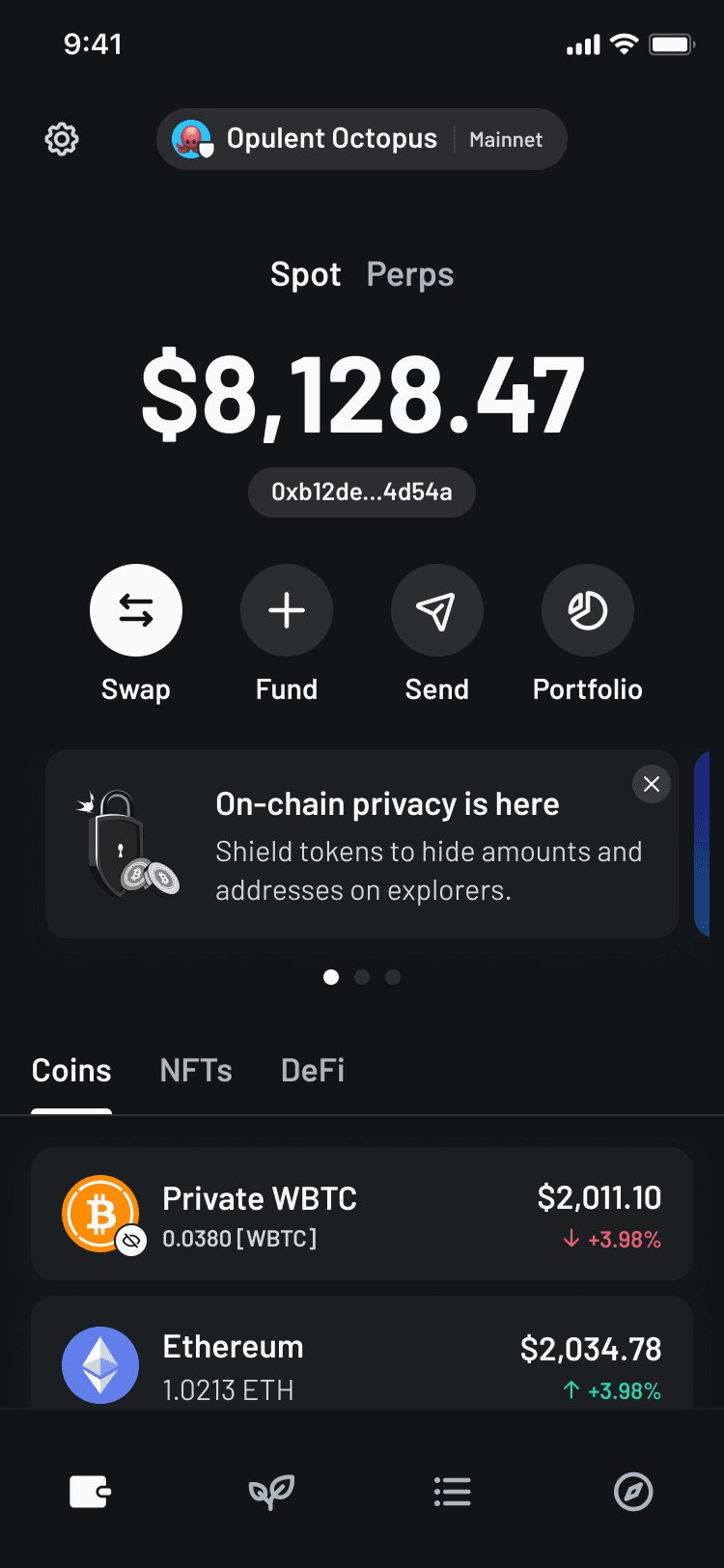
Asset context
Anchors the action in the correct asset, balance, and wallet state before introducing private transaction options.
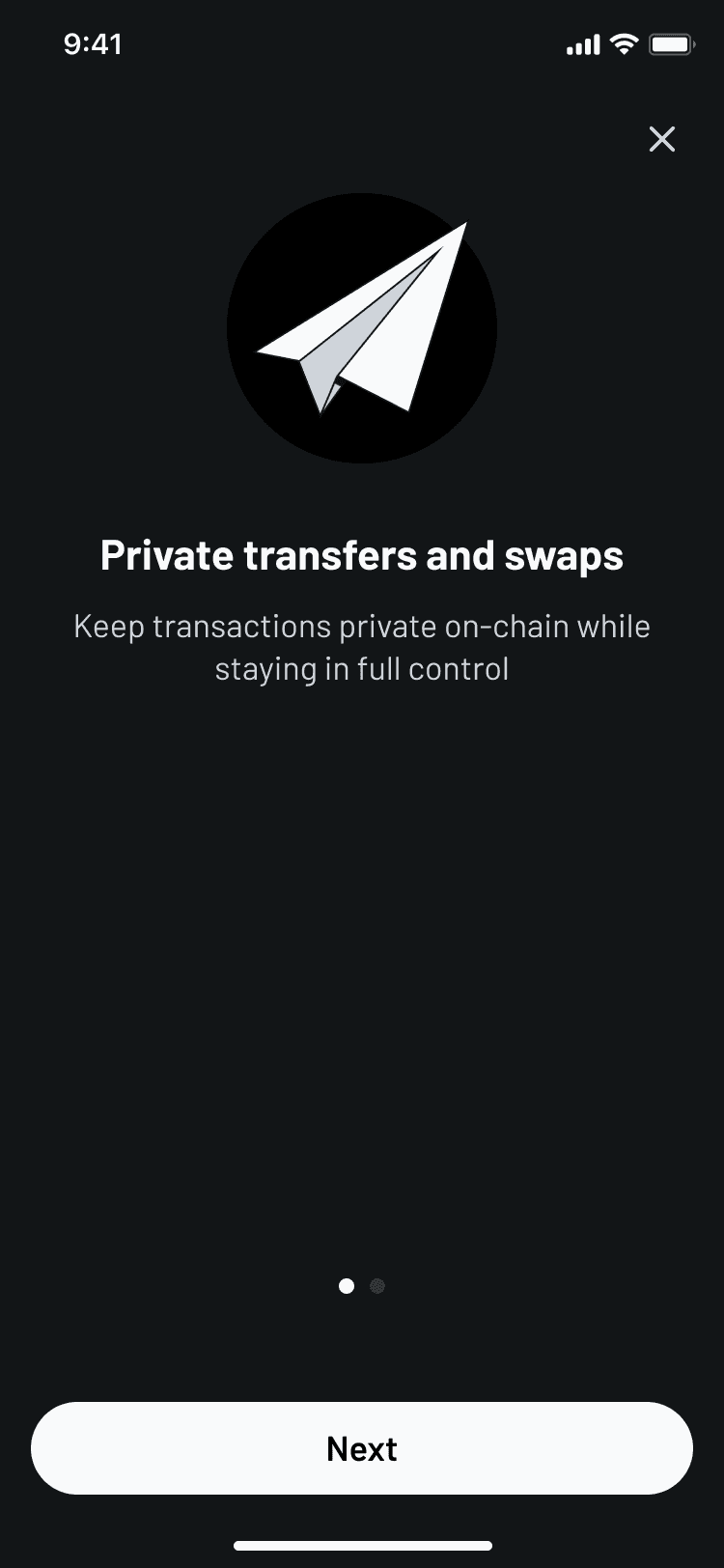
Private Send intro
Frames privacy as a distinct transaction mode, setting expectations before setup begins.
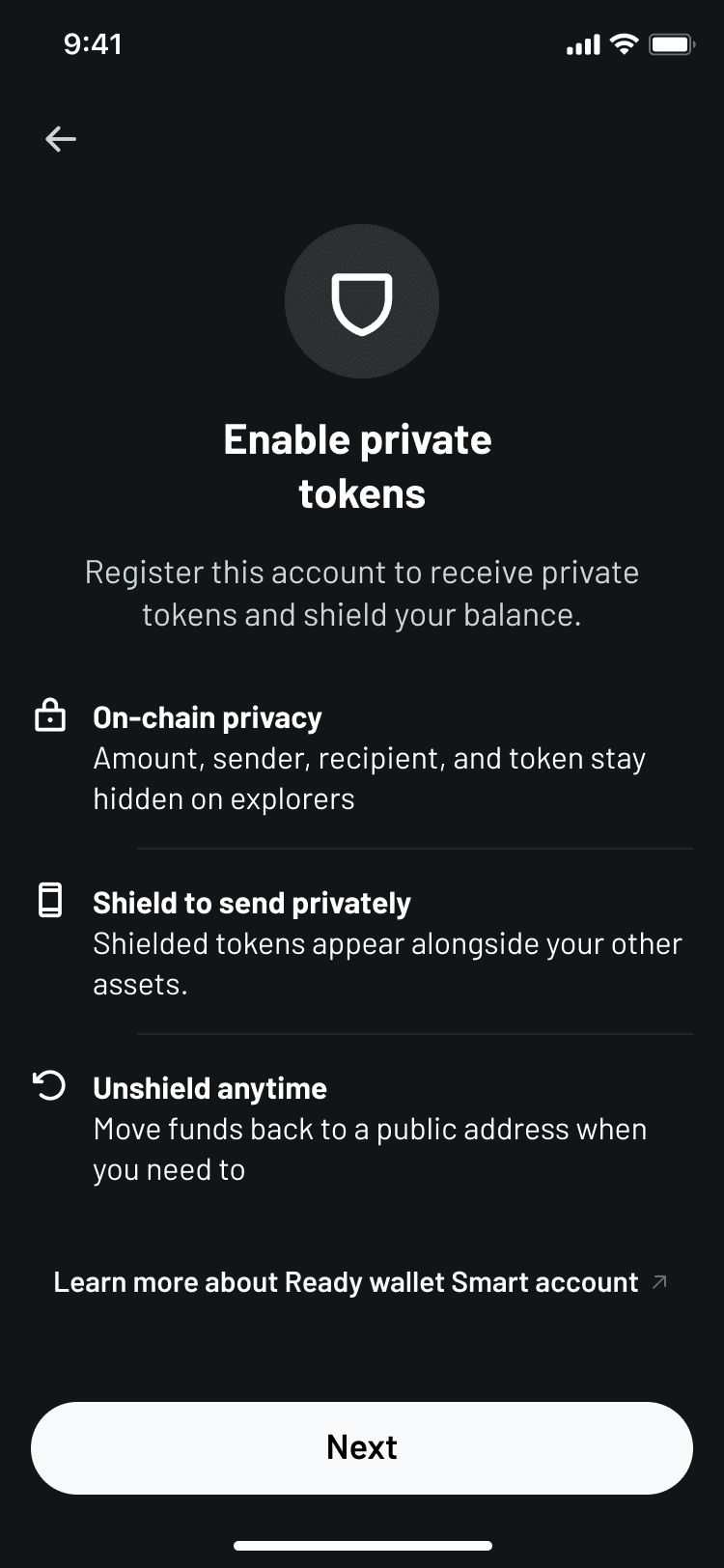
Privacy model
Clarifies what metadata is protected, what remains visible, and what tradeoffs the user should understand before committing funds.
02
Support multiple transaction paths
Private Send was not one linear flow. The system needed to support sending to different destination types, shielding funds into a private balance, and unshielding funds back out.
Rather than treating each path as a separate product, I structured the experience around shared patterns: amount entry, fees, review states, confirmation, and transaction details.
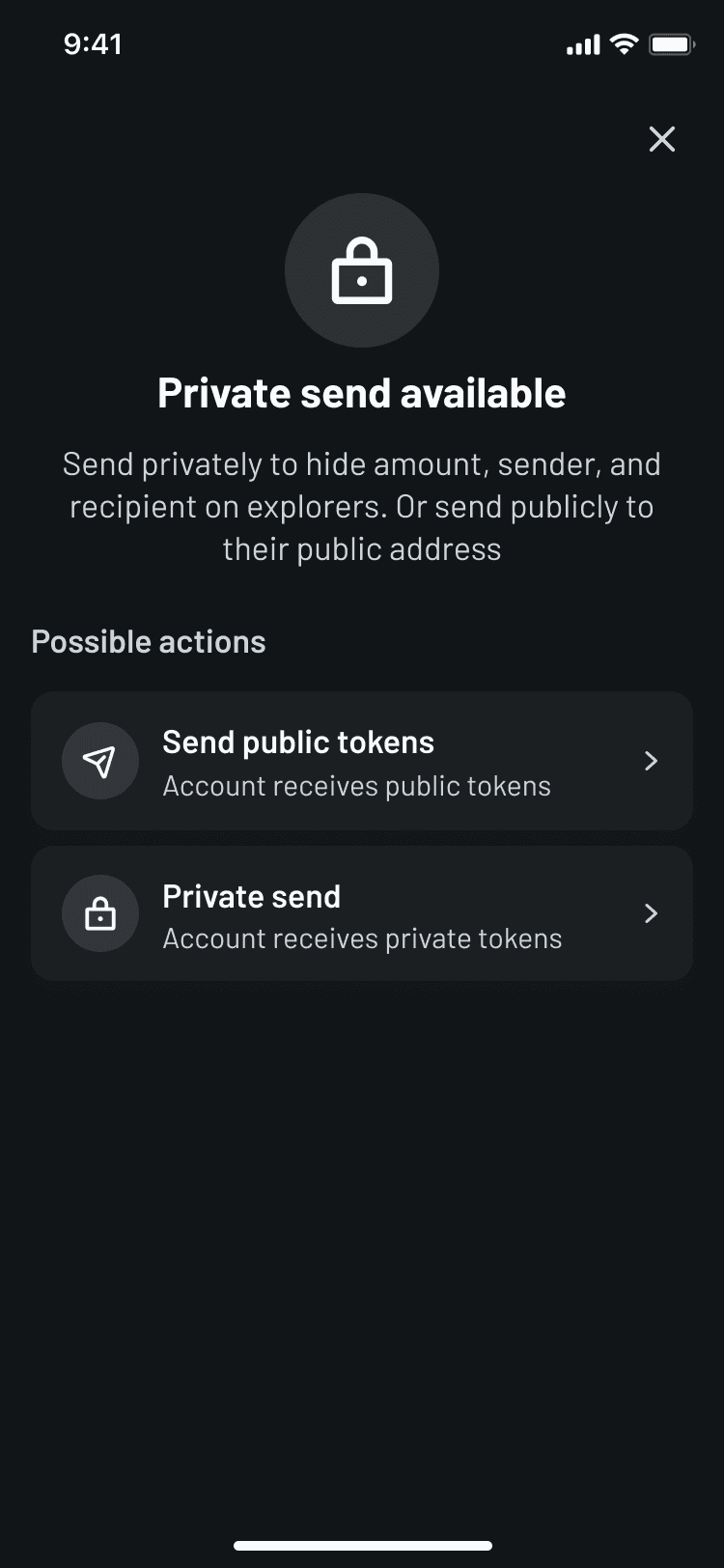
Path decision
Routes users based on intent and balance state, avoiding dead ends when private funds are not yet available.
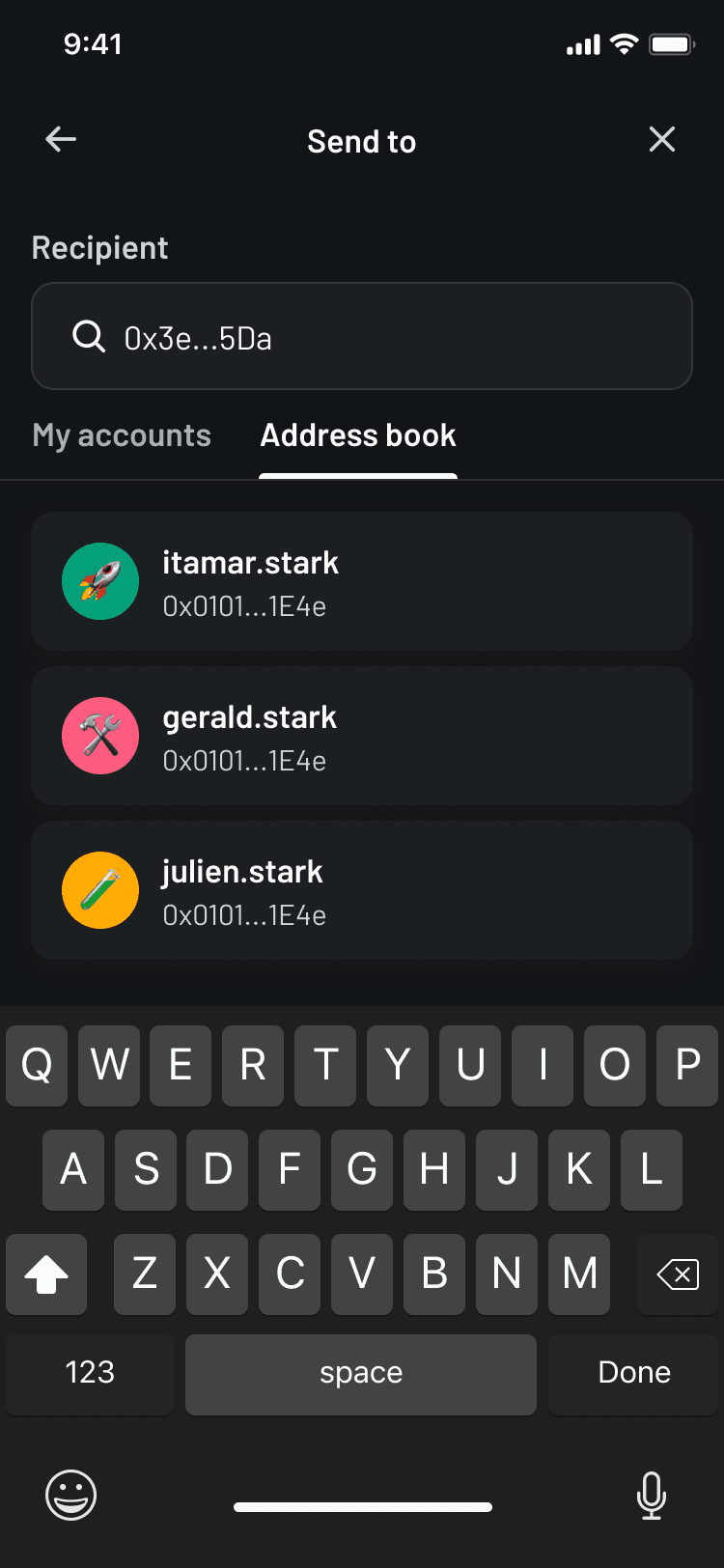
Recipient selection
Keeps outbound recipient choice explicit, reducing address ambiguity in the highest-risk input step.
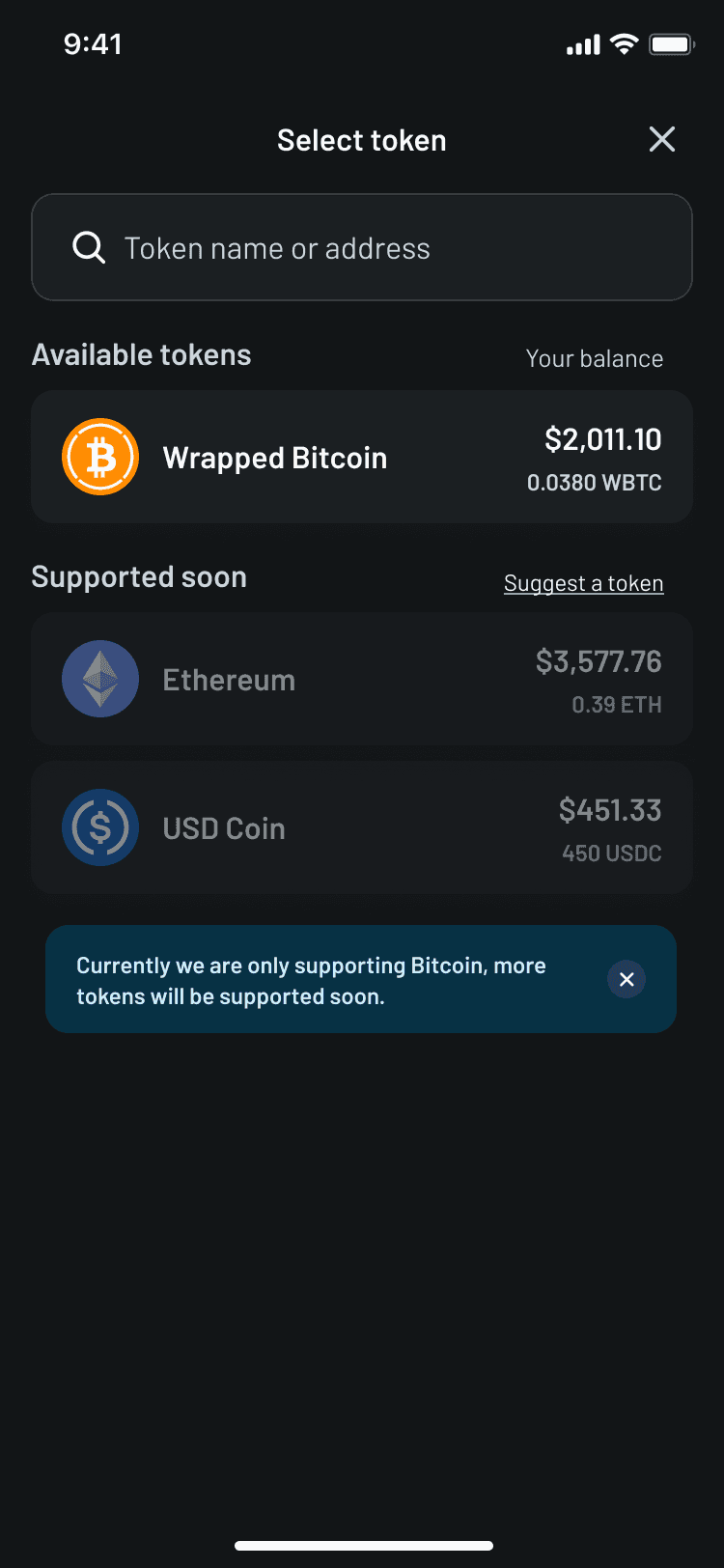
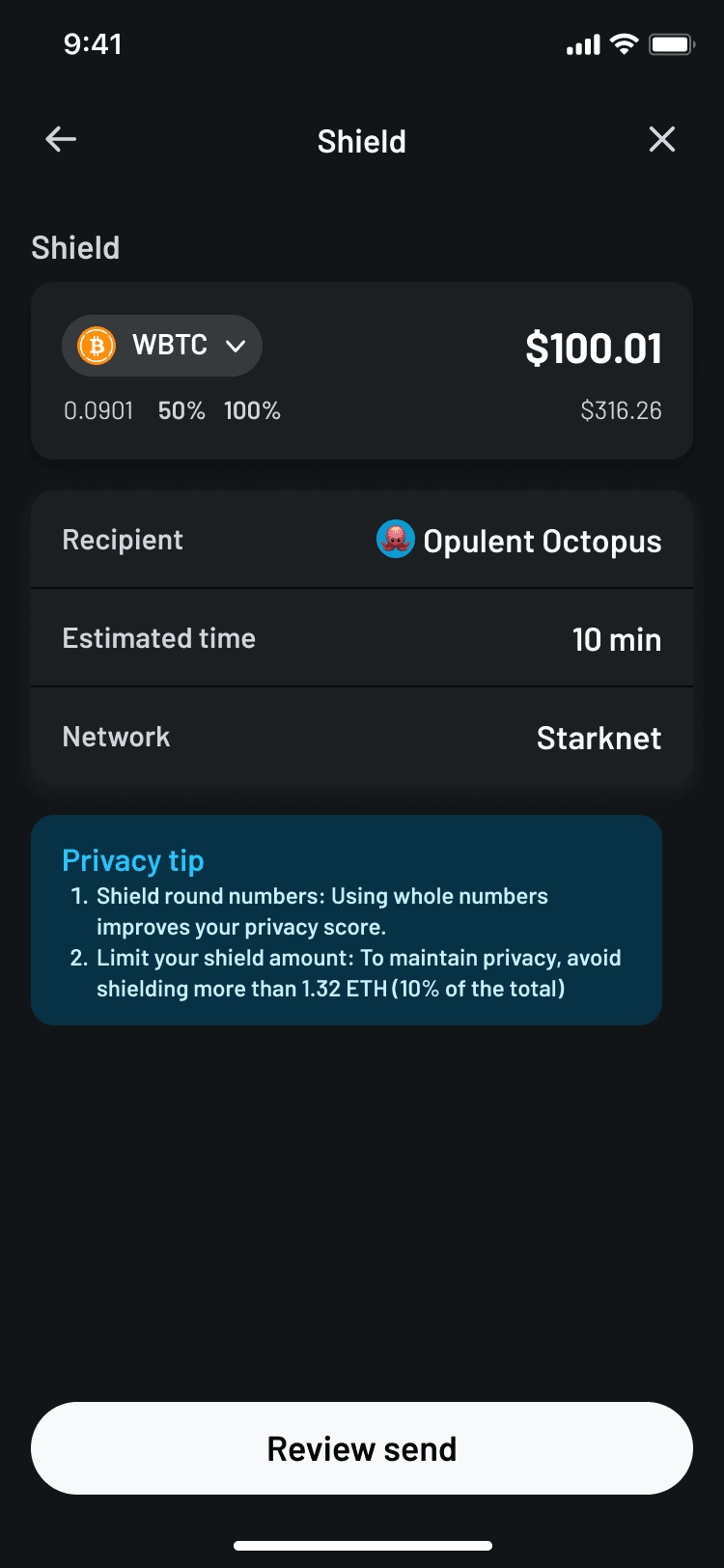
Shield funds
Supports the self-shielding path, where funds move into the user’s private balance without an external recipient.
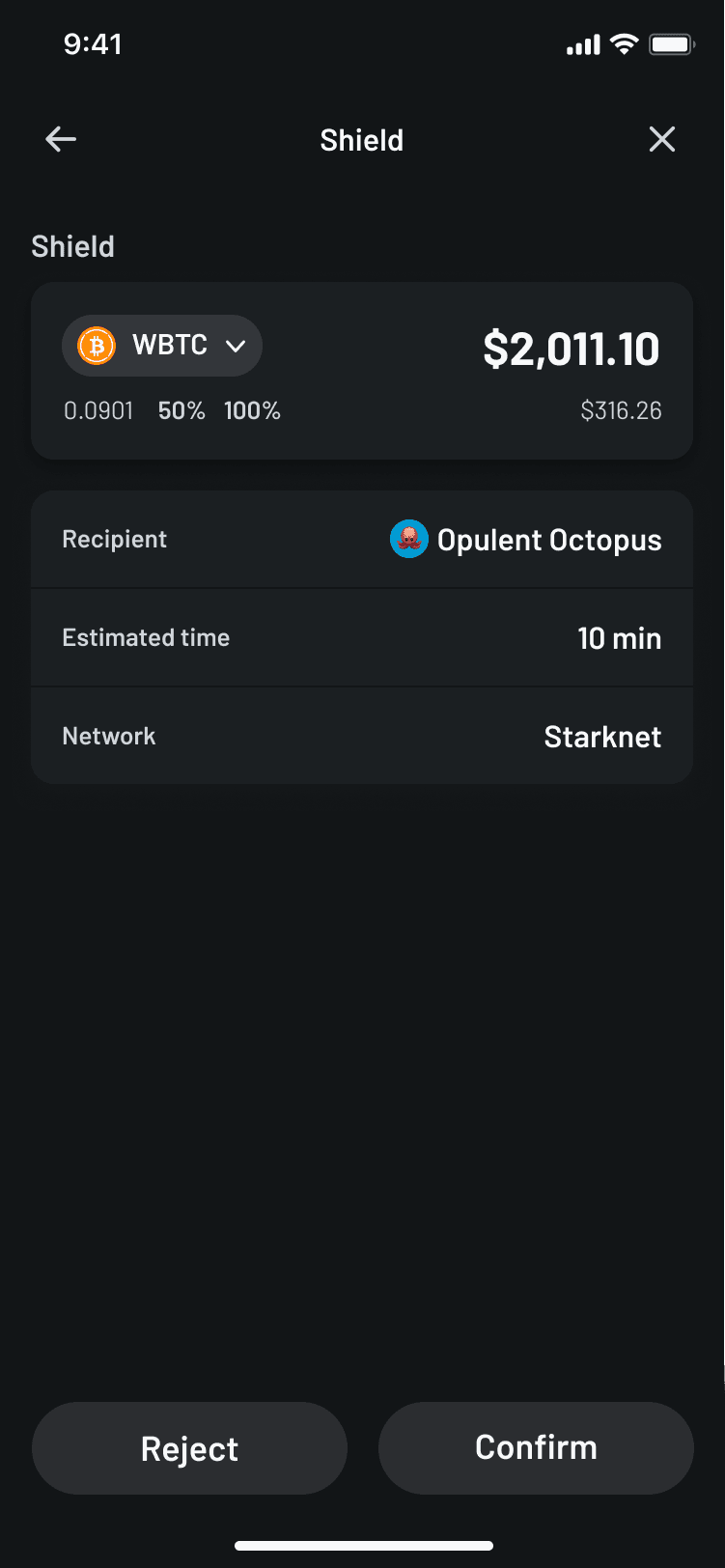
Amount entry
Surfaces balance, amount, fee, and total in one decision surface before the user reaches review.
03
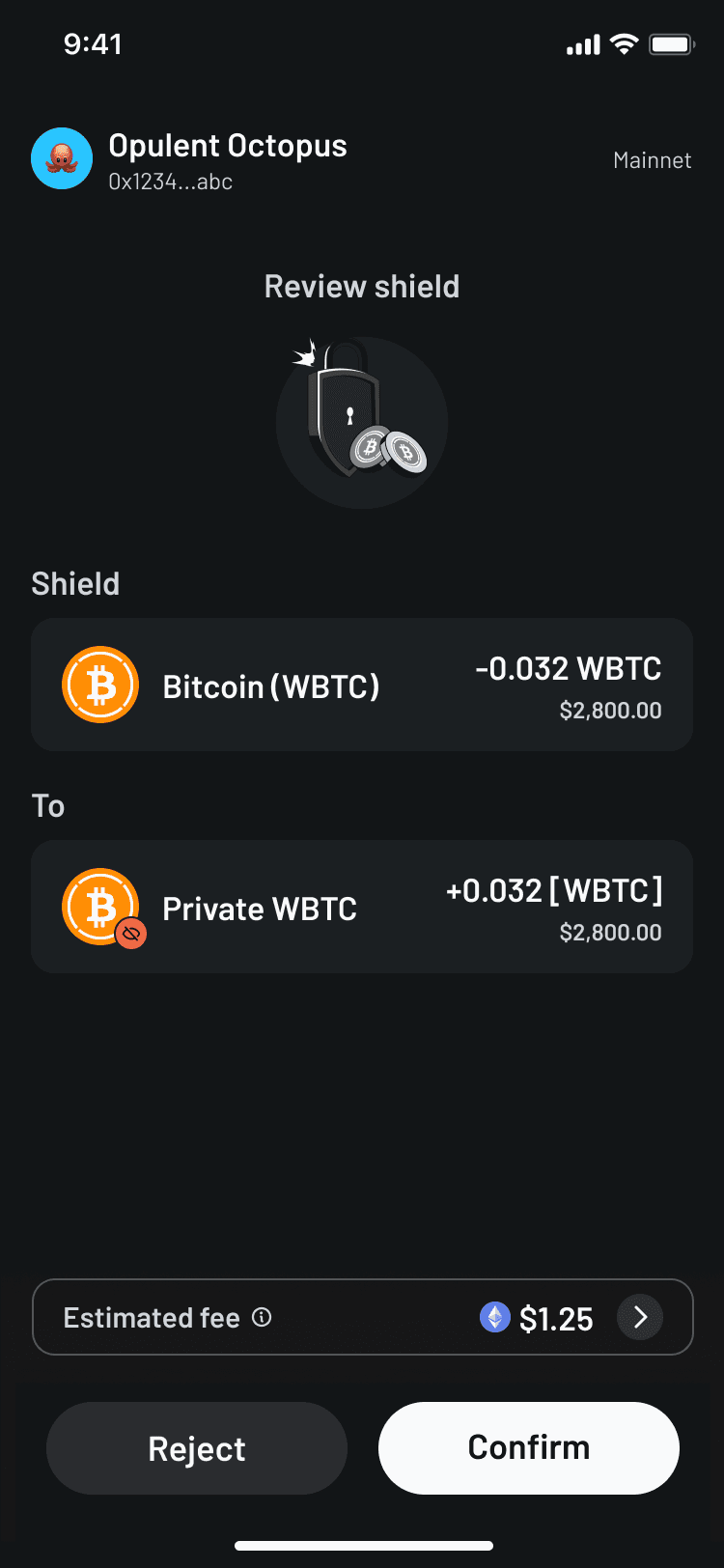
Create confidence at commit
The final stages focused on control and verification. Review states gave users a clear checkpoint before action. Confirmation added deliberate friction. Success and transaction details gave users confidence after the transaction was complete.
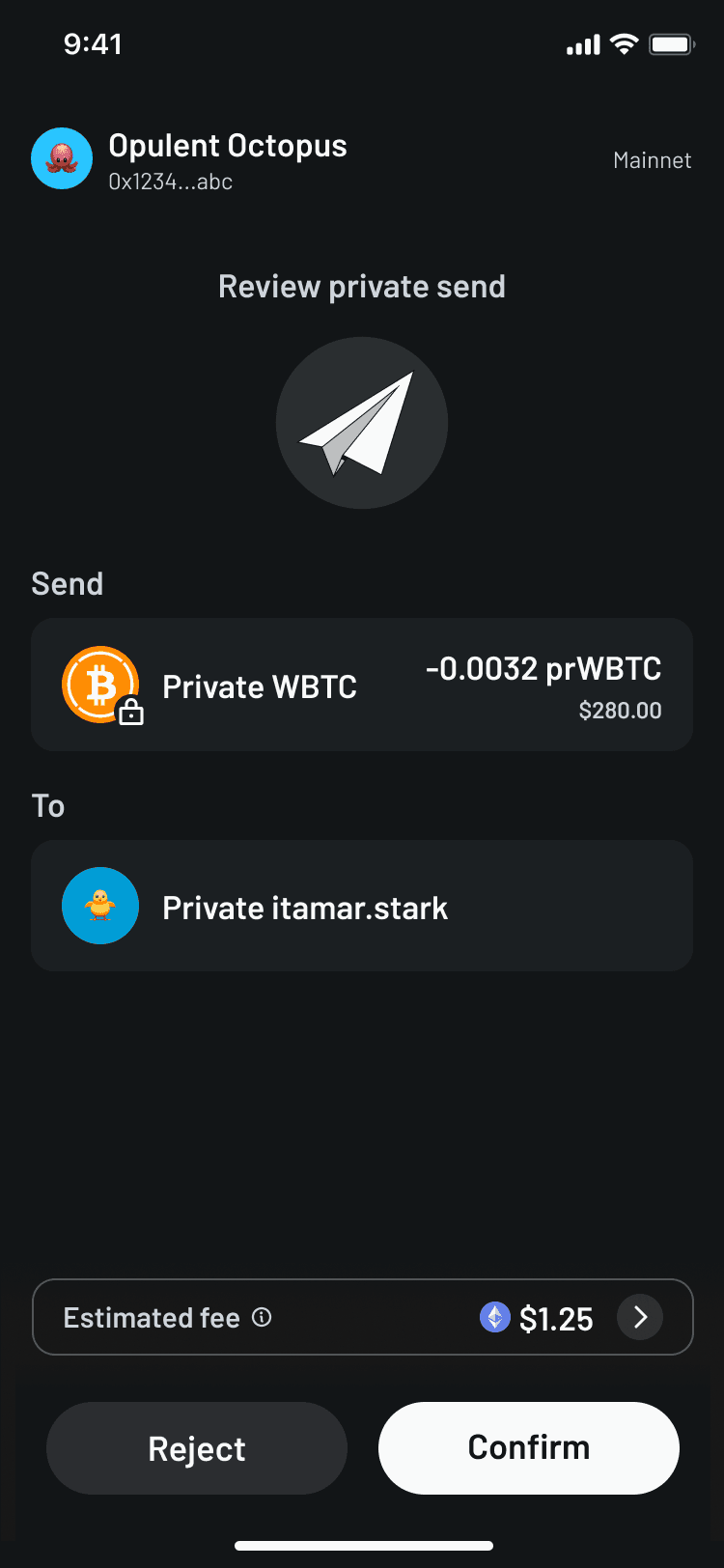
Explore the full flow
The full Figma board includes the wider transaction system, edge cases, shielding and unshielding paths, recipient setup, review states, and first-time user education.
Micro-interactions
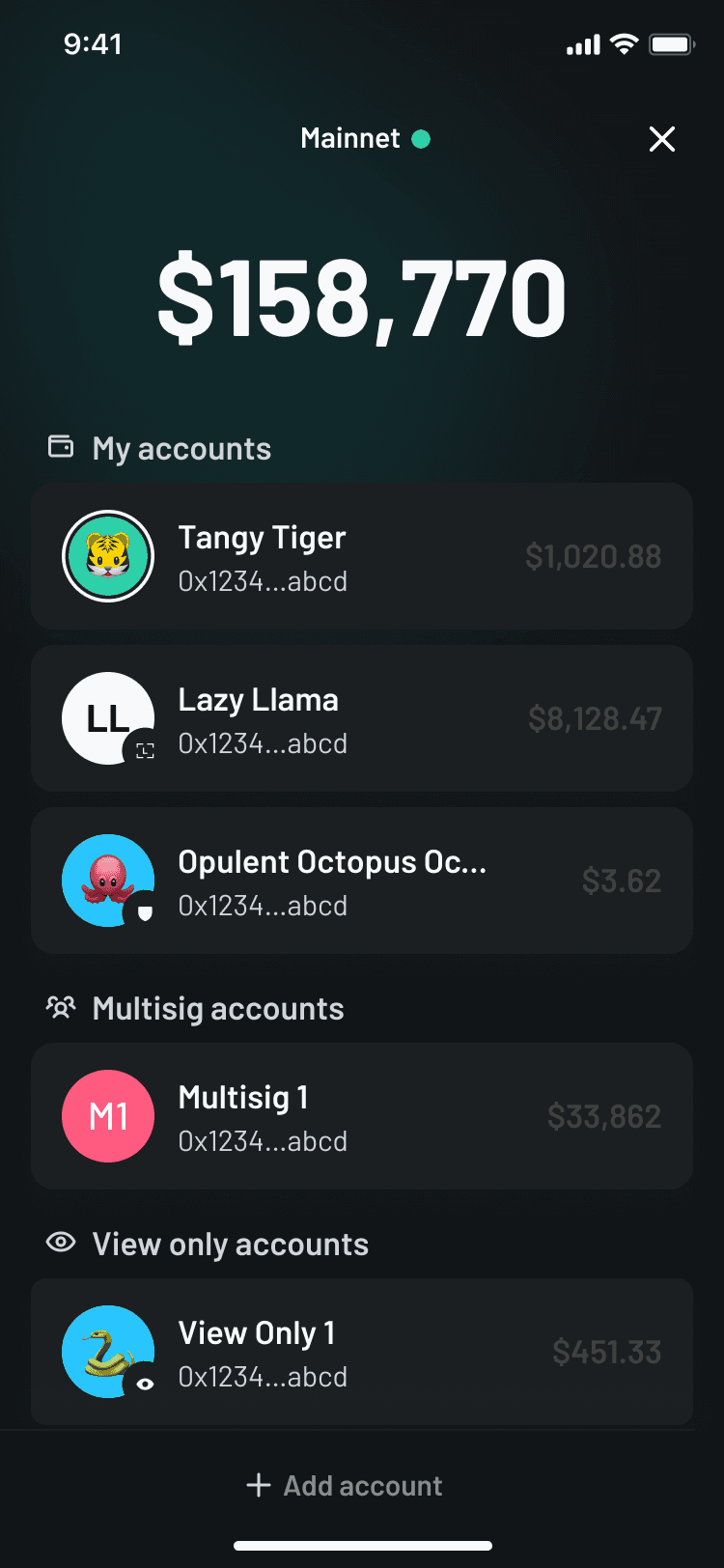
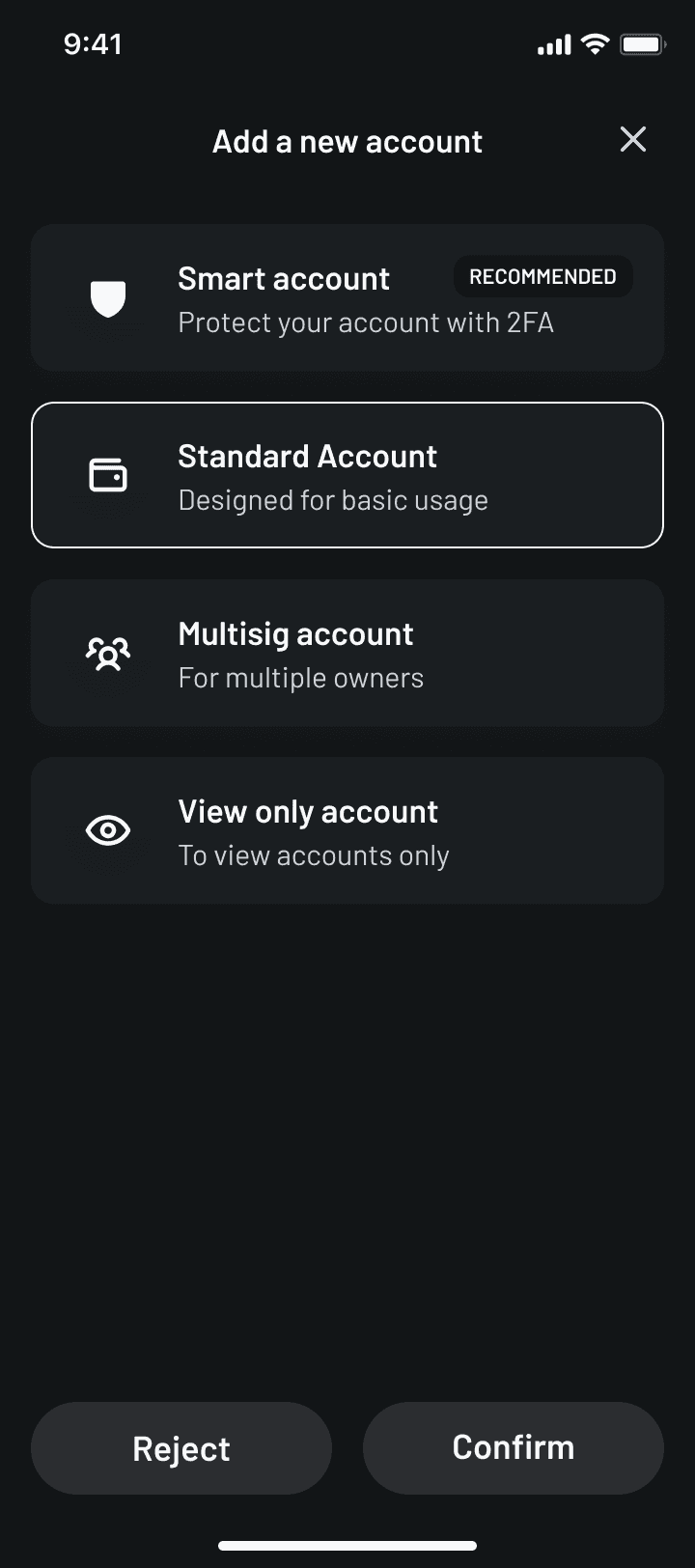
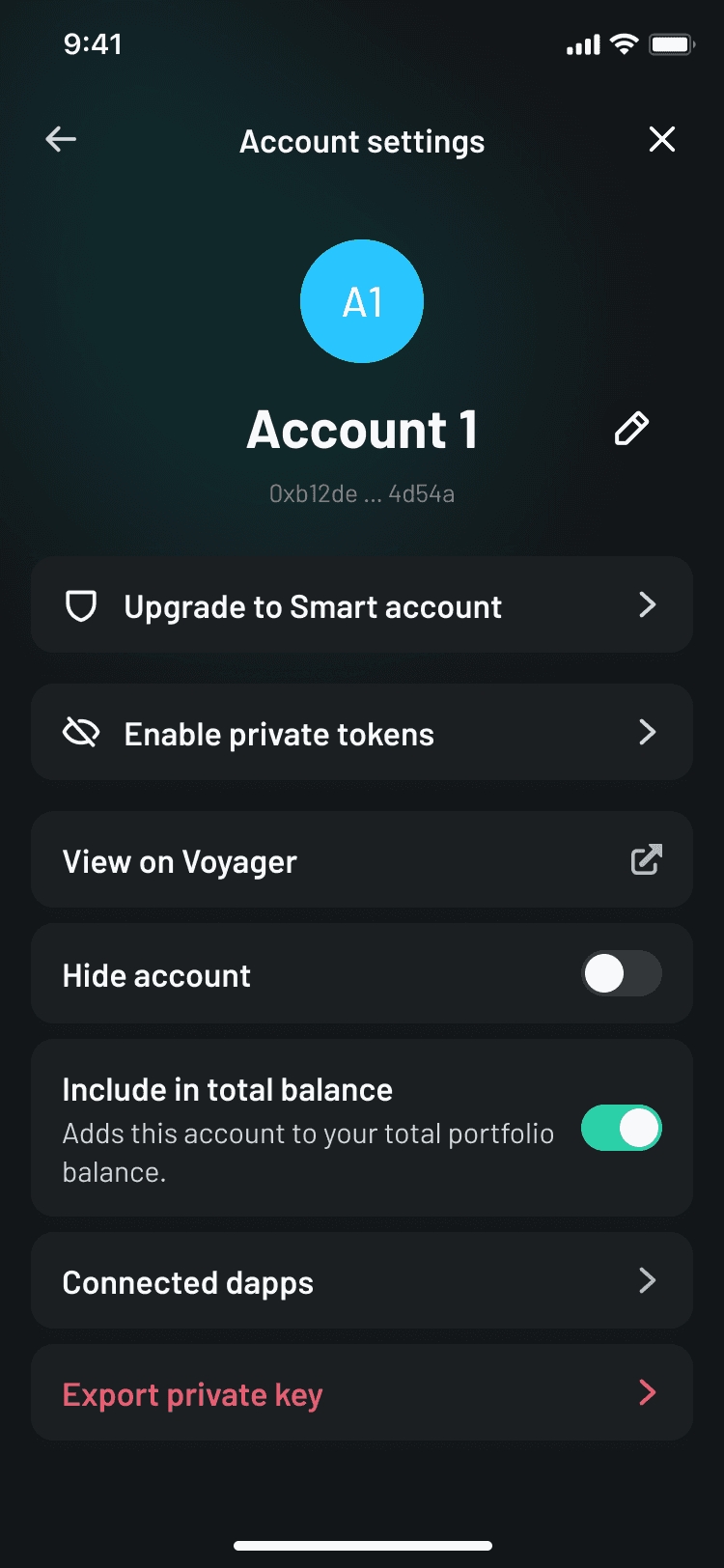
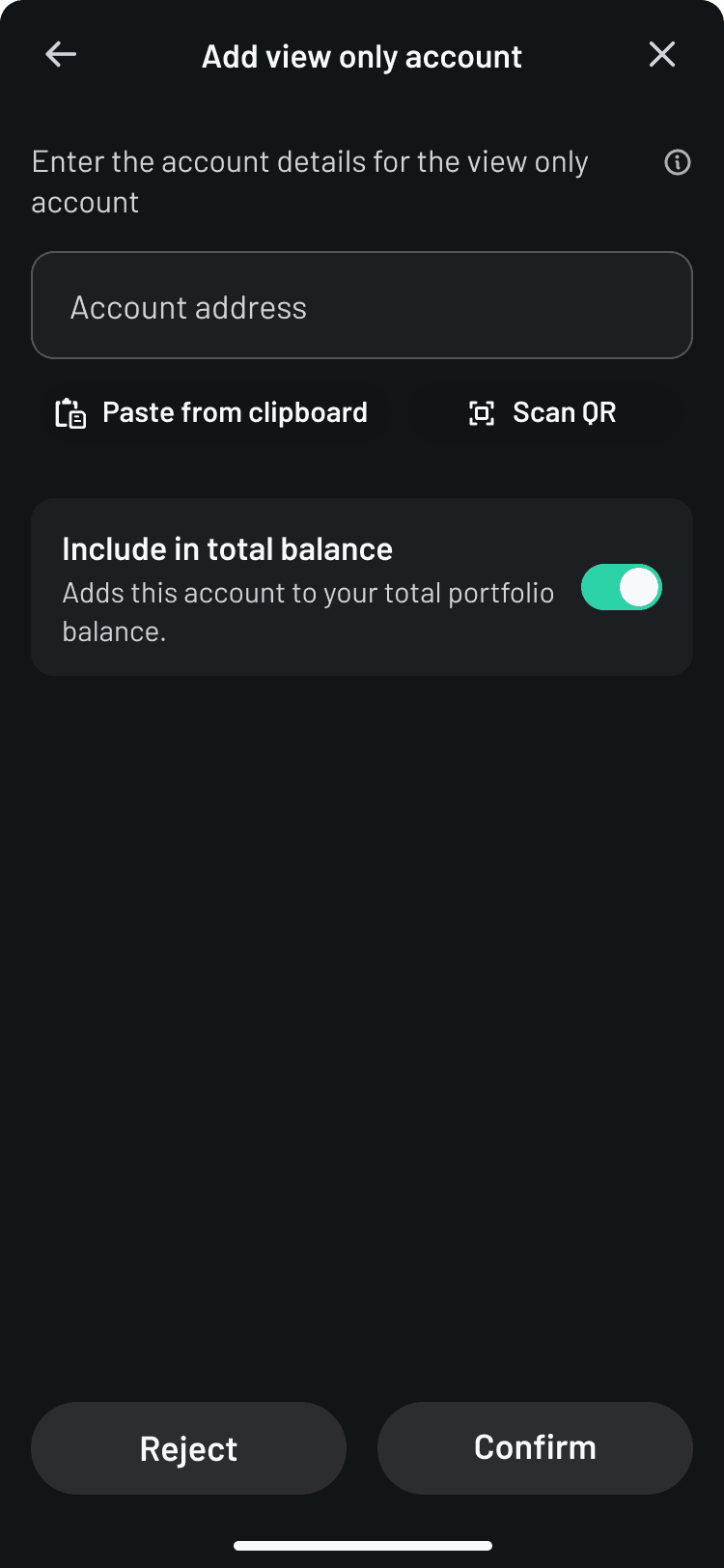
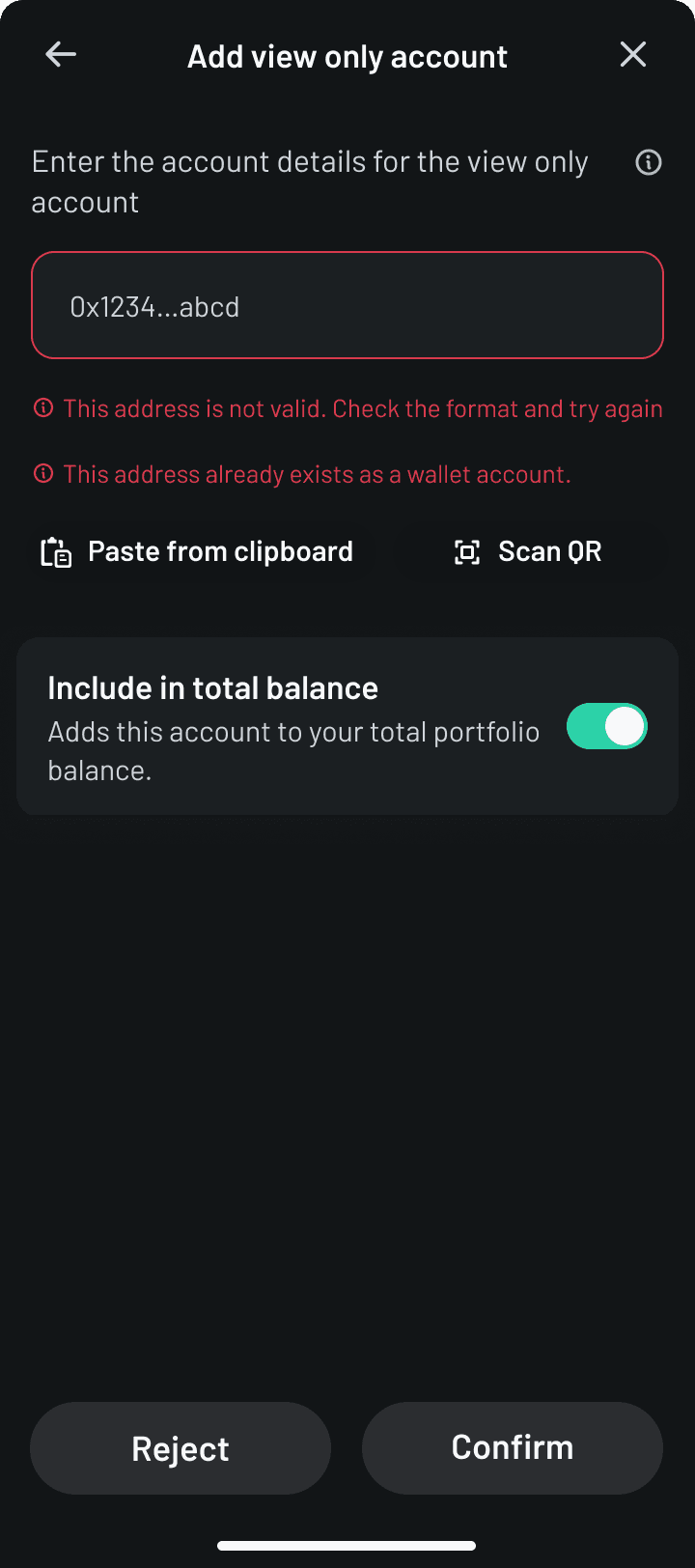
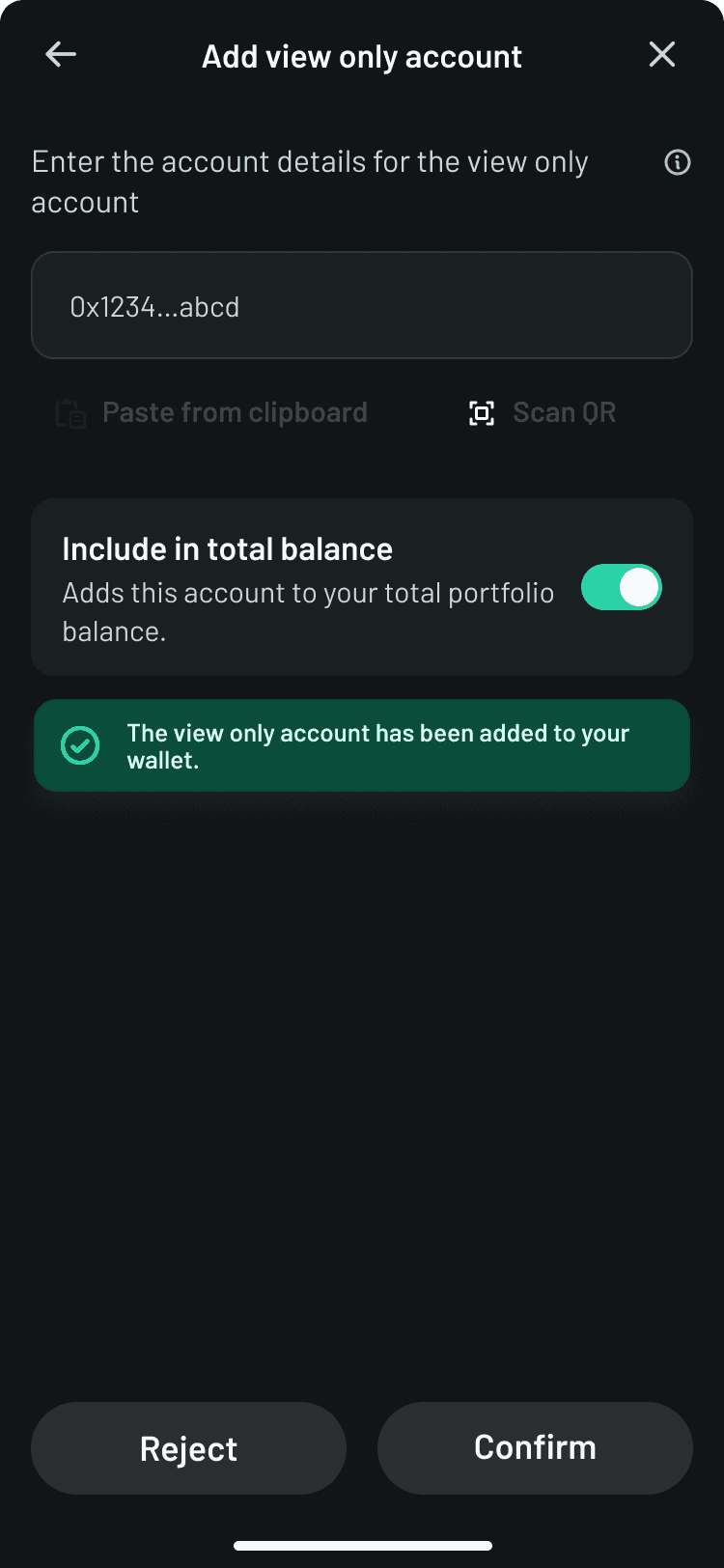
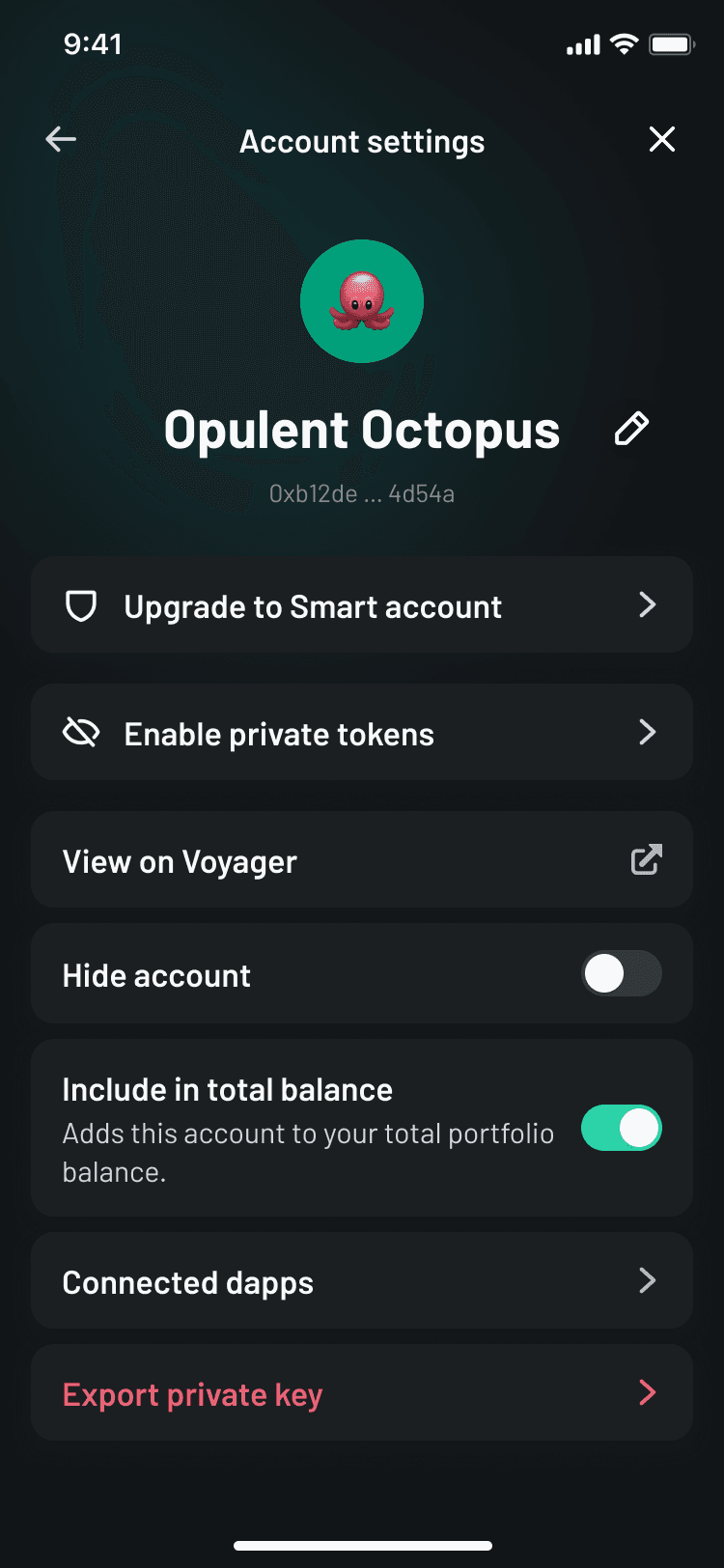
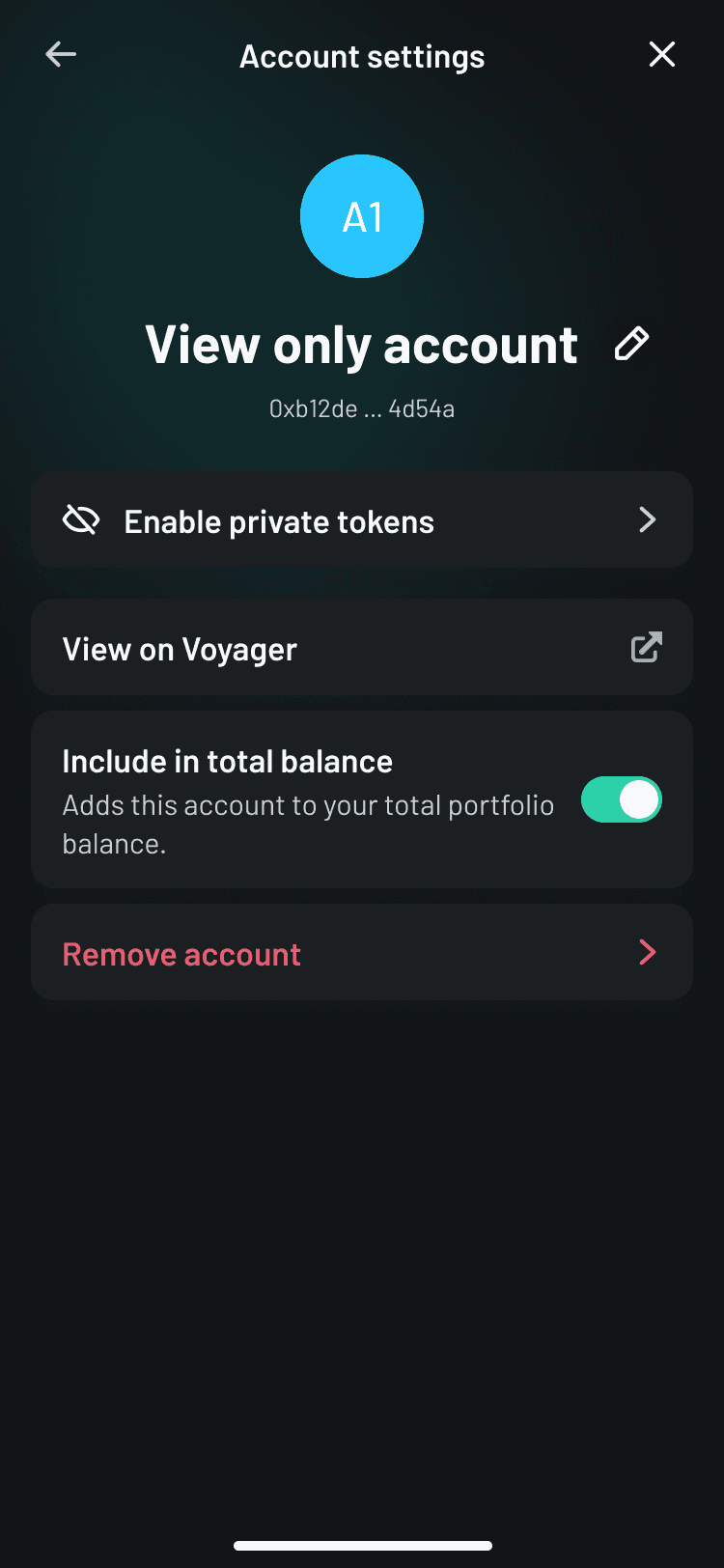
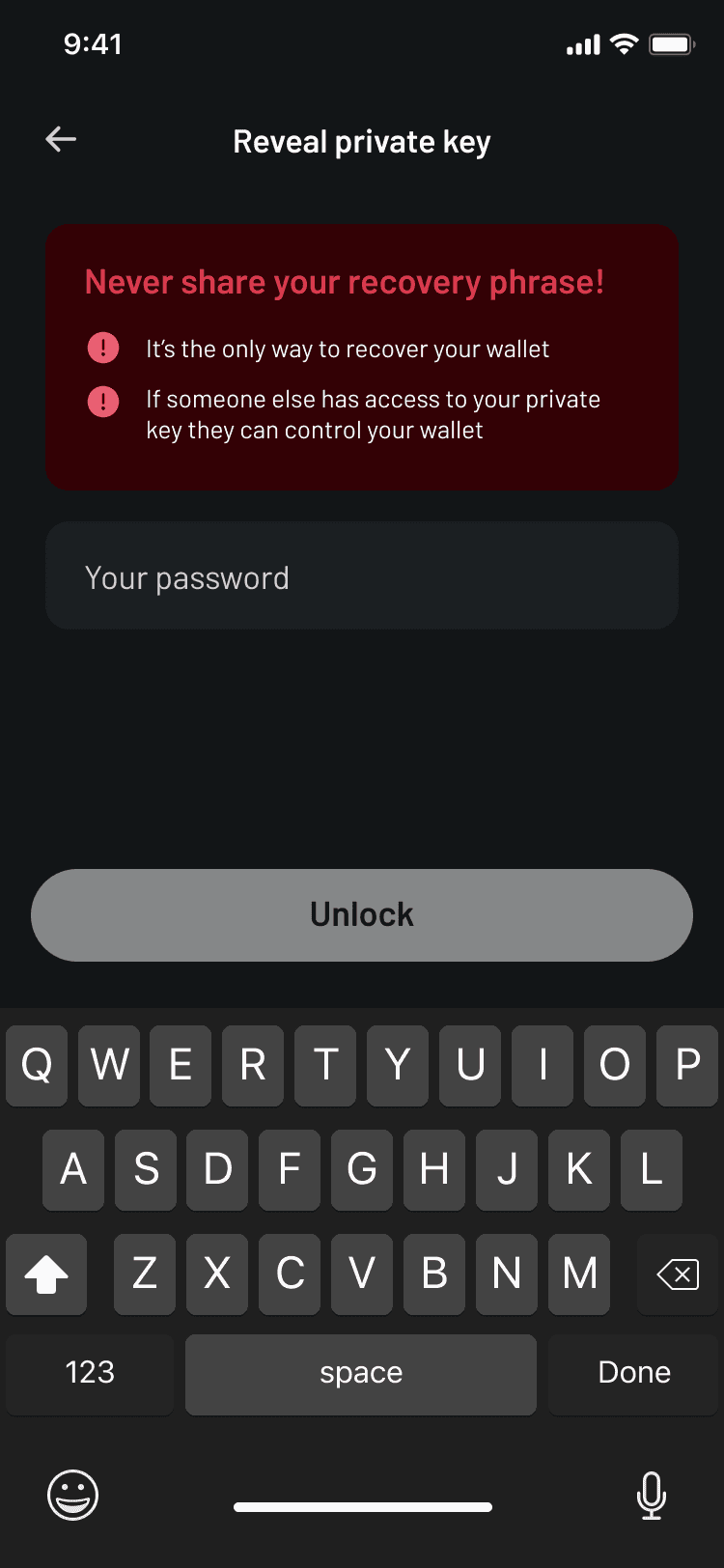
Designing for a multi-account wallet
Check out the full flow here
Related projects
Taken from the archieves so screenshots and animation completed on similar based projects.

Ready: Making crypto feel clearer, safer, and easier to use